A proper kids study desk ergonomic setup can make a big difference in how comfortably a child reads, writes, draws, and completes homework at home. I have seen many parents focus only on the look of a desk, but comfort, posture, lighting, and height matter just as much. When a study space fits a child’s body, it helps reduce slouching, neck strain, tired hands, and poor sitting habits.
For families across the US, where kids often use desks for homework, online learning, reading, crafts, and screen time, the right setup can support both focus and physical growth. The goal is simple: create a study station that feels comfortable today and can adjust as your child grows.
Why Does an Ergonomic Kids Desk Setup Matter?
Children’s bodies are still developing, so poor desk posture can quickly become a habit. A chair that is too high, a table that is too low, or a screen placed at the wrong angle can force kids to lean forward, raise their shoulders, or bend their neck for long periods.
I always recommend thinking of a study desk as more than furniture. It is a daily learning zone. A good ergonomic kids desk supports spinal alignment, reduces muscle fatigue, improves concentration, supports stress management, and makes study time feel less stressful.
When children feel physically comfortable, they are more likely to stay engaged with homework and reading.
How Should Kids Sit at a Study Desk?
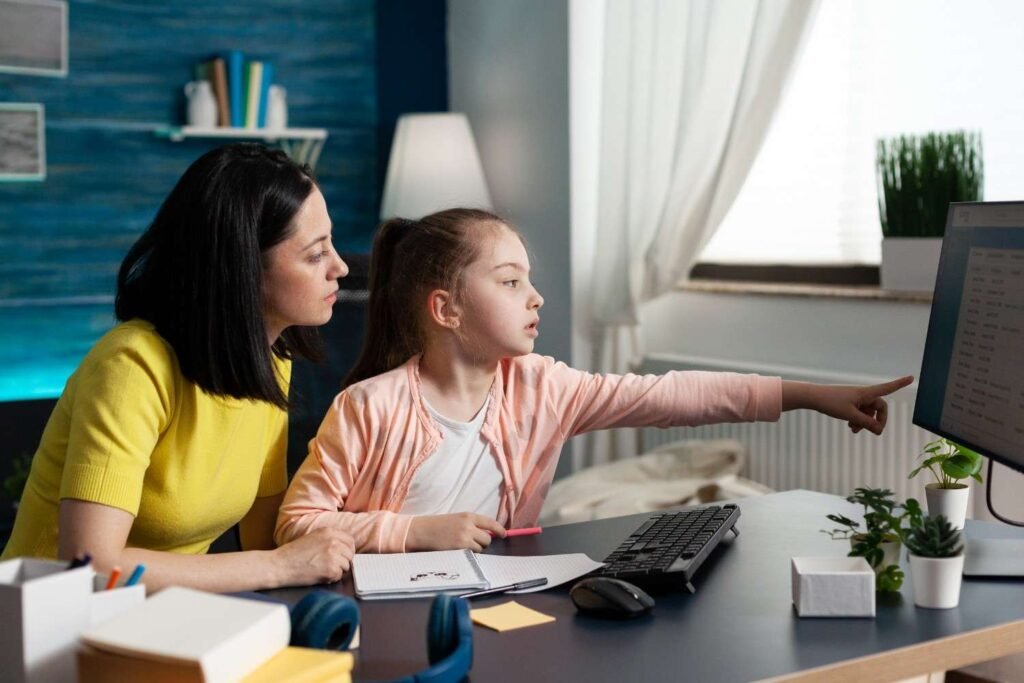
The 90-90-90 rule is one of the most important parts of a kids study desk ergonomic setup. This rule means the body should form three right angles while sitting.
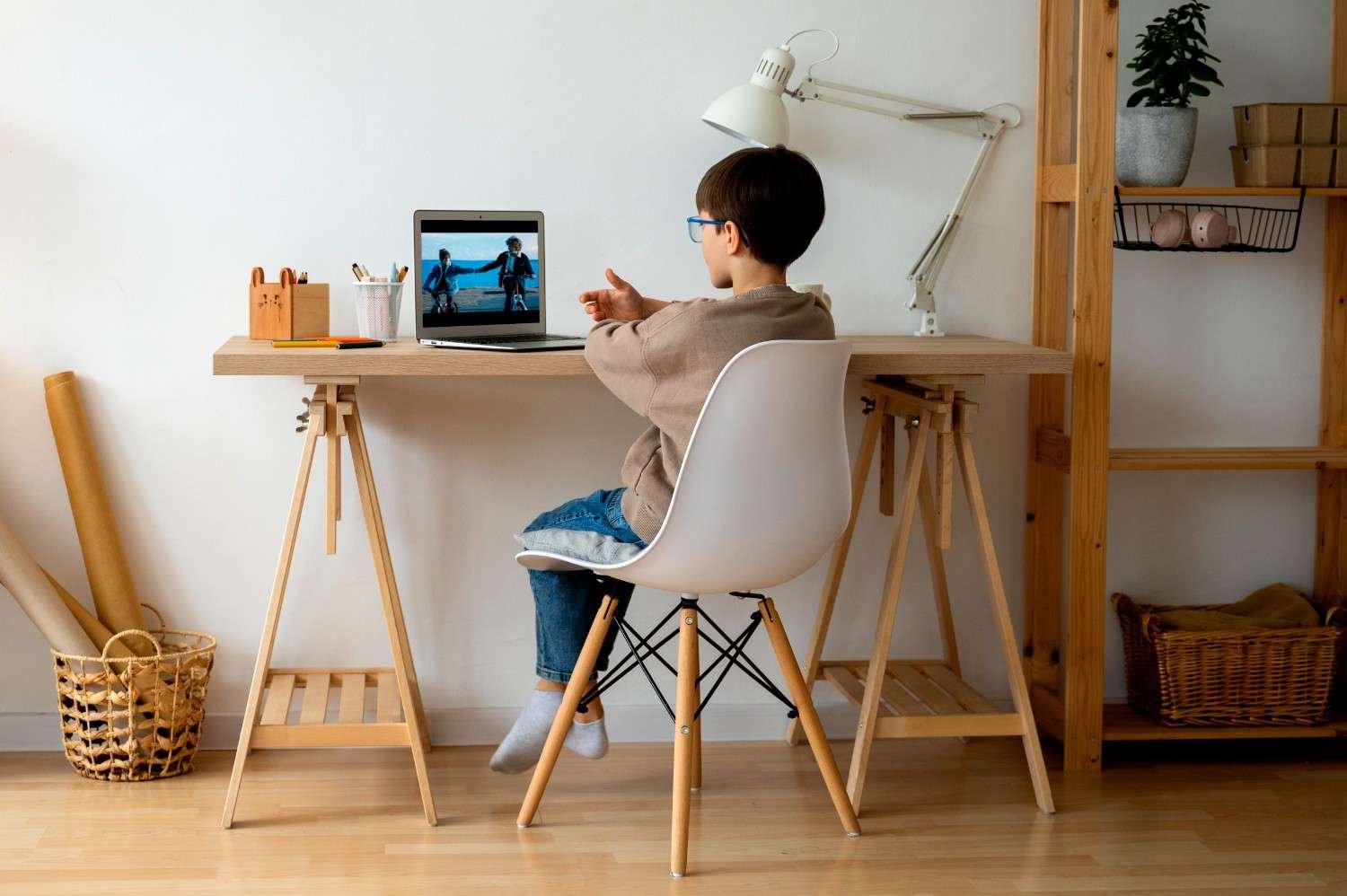
The child’s back should stay straight and supported by the chair’s backrest. Their hips and knees should bend at about 90 degrees, with thighs resting flat on the seat. Their feet should rest flat on the floor. If the chair is too high and cannot be lowered, I suggest using a firm footrest so the feet do not hang.
Seat depth also matters. There should be a 1 to 2-inch gap between the front edge of the chair and the back of the child’s knees. This helps prevent pressure behind the legs and supports better blood circulation.
What Is the Right Desk Height for Kids?
Desk height should match the child’s resting elbow height. When a child writes, types, or draws, the shoulders should stay relaxed. The elbows should rest comfortably at about a 90 to 100-degree angle.
If the desk is too high, kids may raise their shoulders and strain their neck. If it is too low, they may hunch over their books. I prefer adjustable study desks and chairs because children grow quickly, and fixed furniture can become uncomfortable within a year or two.
The underside of the desk should also leave enough thigh clearance. A good rule is to keep roughly 7 to 8 inches between the top of the child’s thighs and the underside of the desk. This gives the legs enough room, prevents cramped sitting, and supports a clutter free furniture layout for mental health.
Kids Desk and Chair Height Guide by Age
Use this as a general reference, but always check your child’s real sitting posture before deciding.
For children around 100 to 115 cm tall, usually ages 4 to 6, a desk height of about 19 inches and a chair seat height of about 26 to 30 cm may work well. For children around 110 to 125 cm tall, usually ages 6 to 8, a 20-inch desk and 30 to 34 cm chair height may be more suitable.
Children between 115 and 130 cm tall may need a 21-inch desk with a chair height of about 32 to 36 cm. Kids around 120 to 135 cm tall may need a 22-inch desk with a 34 to 38 cm chair height. Older children above 135 cm may need a desk between 24 and 28 inches, depending on height, with a chair around 38 to 42 cm.
These numbers are helpful, but posture is the final test. If your child’s feet are flat, back is supported, elbows are relaxed, and eyes are not straining, the setup is likely working.
How Should Screens, Books, and Tablets Be Positioned?
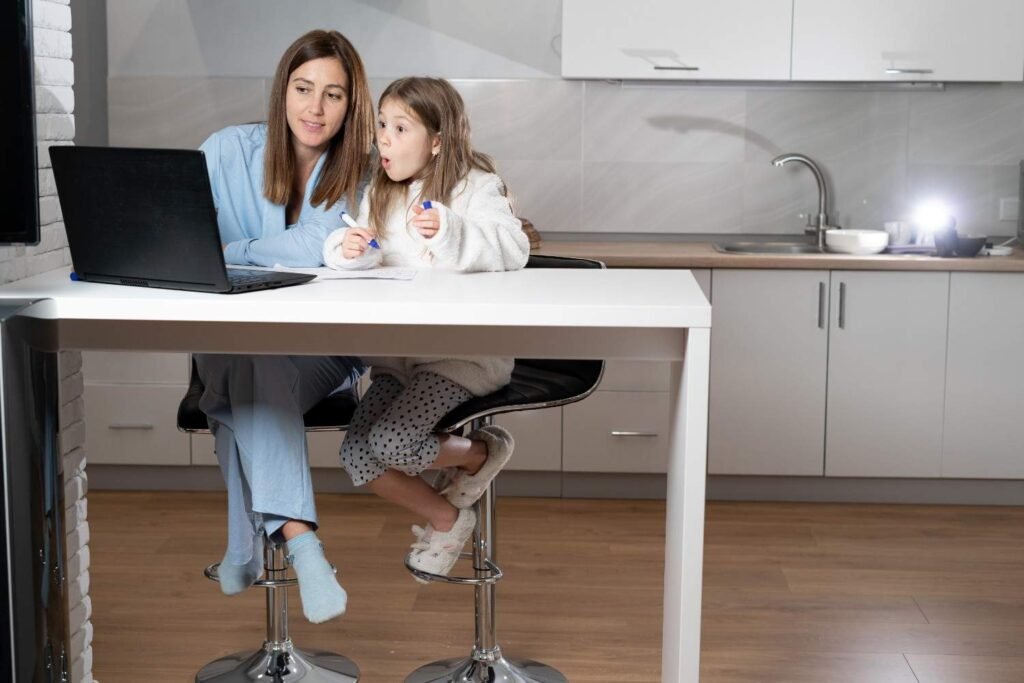
Many kids now use laptops, tablets, and computers for schoolwork, so screen placement is essential. The screen should sit about an arm’s length away from the face. The top third of the screen should be close to eye level, allowing the child to look slightly downward without bending the neck.
For reading and writing, I like using a tiltable desk surface or a book and tablet stand. A surface tilted between 10 and 20 degrees can reduce neck flexion and help children avoid leaning too far over their work. This is especially useful for long reading sessions, drawing, handwriting practice, and online learning.
What Lighting Is Best for a Child’s Study Desk?
Good lighting protects the eyes and improves focus. I prefer placing the desk near a window when possible because natural daylight can make the study area feel brighter and more inviting. However, sunlight should not create glare on screens or shiny surfaces.
A task lamp is also important. Place an adjustable LED desk lamp on the opposite side of your child’s writing hand. For a right-handed child, place the lamp on the left. For a left-handed child, place it on the right. This prevents the hand from casting shadows over notebooks and worksheets.
How Can Parents Create a Better Homework Station at Home?
A good homework station should feel organized, calm, and easy to use. I recommend keeping only daily study tools on the desk, such as pencils, notebooks, books, a tablet stand, and a lamp. Too many toys, gadgets, or decorations can distract kids during homework time.
Storage also matters. Drawers, bins, shelves, and wall organizers help keep supplies nearby without cluttering the desktop. In smaller US homes, apartments, or shared bedrooms, a compact ergonomic study table with vertical storage can work better than a bulky desk.
Common Mistakes to Avoid When Setting Up a Kids Study Desk

One common mistake is buying furniture based only on age instead of body size. Two children of the same age can have very different heights, so always measure posture.
Another mistake is letting kids study on beds, couches, or dining chairs for long periods. These spaces may feel convenient, but they rarely support good posture. Children often bend their necks, round their shoulders, or twist their backs.
Parents should also avoid placing screens too low, using chairs without back support, ignoring foot placement, or allowing the desktop to become too cluttered. The best kids study desk ergonomic setup should support comfort, movement, focus, concentration on studies, and healthy study habits every day.
Frequently Asked Questions (FAQs)
1. What is the best ergonomic desk setup for kids?
The best setup keeps the back supported, knees at 90 degrees, feet flat, elbows relaxed, and the screen or book at a comfortable eye level.
2. Should kids use an adjustable study desk?
Yes, an adjustable study desk is a smart choice because it can change with your child’s height and reduce the need for frequent furniture replacement.
3. How far should a child sit from a computer screen?
A child should sit about an arm’s length away from the screen, with the top third of the screen near eye level.
4. Is a footrest necessary for a kid’s study chair?
A footrest is useful when the child’s feet do not reach the floor. It helps support posture and prevents dangling legs.
Final Thoughts
I believe the best kids’ study area is not just stylish. It should fit your child’s body, support proper posture, use natural daylight, and make learning feel easier. When the desk height, chair position, foot support, lighting, and screen angle all work together, children can study with less strain and better focus.
As your child grows, keep checking the setup every few months. Adjust the chair, raise the desk if needed, add a footrest, or change the screen height. A small adjustment today can prevent discomfort and build healthier study habits for years.